

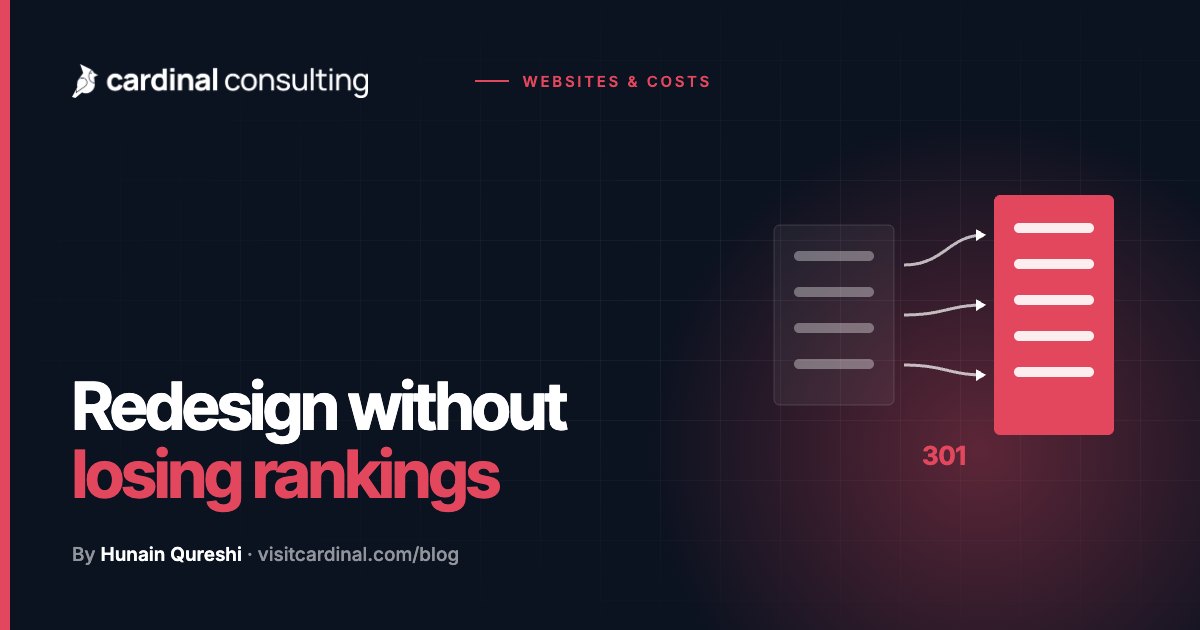
Why redesigns quietly destroy rankings
A redesign changes far more than how a site looks. URLs get renamed, pages get merged or deleted, internal links break, content gets trimmed for a cleaner layout, and sometimes a "do not index" setting from the staging site goes live by accident. Google sees a different website and has to reassess it, and if the pages that earned your rankings have disappeared, the rankings go with them.
None of this is inevitable. Google publishes detailed guidance on moving a site with URL changes, and following a disciplined checklist keeps the value you have built while the new design does its job.
Before you touch the design: benchmark everything
You cannot protect what you have not measured. Capture these before any work begins:
- Your top pages and search queries from Google Search Console for the last 12 months
- Conversions by page from your analytics: calls, forms, bookings, and sales
- A full crawl of the current site listing every URL, title, and meta description
- The pages that external sites link to most
- Current Core Web Vitals and page speed scores
Map every old URL to its new home
The redirect map is the most important document in any redesign. List every URL on the current site, decide where each one should go on the new site, and use permanent (301) redirects so visitors and search engines land on the closest equivalent page. Google treats permanent redirects as a strong signal that the new URL should replace the old one in search results.
Redirect to the most relevant page, not the homepage. Sending every old URL to the homepage throws away the relevance each page had built.
Example redirect map
Swipe sideways to see every column.
| Factor | New URL | Action |
|---|---|---|
| /web-design.html | /services/web-development | 301 redirect |
| /houston-seo-services | /services/seo-analytics | 301 redirect |
| /blog/2019-website-tips | /blog/website-maintenance-checklist | 301 to closest |
| /contact-us | /contact | 301 redirect |
| /summer-promo-2021 | (none) | Retire (410) |
Keep the content that earns traffic
Design teams often want shorter pages. Before cutting anything, check which pages and sections bring in search traffic and leads. Keep the substance of those pages, along with their titles, headings, internal links, and structured data, even if the layout changes completely.
When we rebuilt our own site, we consolidated dozens of overlapping pages into one strong page per topic and 301-redirected every old URL to its new home. Consolidation can strengthen rankings, but only when each redirect points somewhere genuinely relevant.
Design for speed and Core Web Vitals
A redesign is the best chance you will get to make your site fast, and speed affects both rankings and revenue. Google found that 53% of mobile visits are abandoned when a page takes longer than three seconds to load, and a Deloitte study for Google measured an 8.4% lift in retail conversions from a 0.1-second improvement in mobile speed.
Why speed belongs in the redesign brief
53%
of mobile visits are abandoned when a page takes over 3 seconds to load (Google)
8.4%
lift in retail conversions from a 0.1-second faster mobile site (Deloitte for Google)
≤ 2.5s
Google's "good" threshold for Largest Contentful Paint (web.dev)
The pre-launch checklist
Run through every item on the staging site, then again on launch day:
- Every redirect in the map is live and tested, with no chains or loops
- The staging "noindex" setting and password protection are removed at launch
- robots.txt allows crawling of the pages you want indexed
- Canonical tags point to the correct, final URLs
- An updated XML sitemap is ready to submit
- Titles, meta descriptions, and headings are carried over or improved
- Structured data validates without errors
- Forms, call tracking, and analytics fire correctly
- Pages work on phones, tablets, and with a keyboard and screen reader
Launch day and the 30 days after
The work is not finished at launch. Most problems show up in the first few weeks, and catching them quickly is the difference between a blip and a slump:
After launch
Launch day
Verify and submit
Crawl the live site, spot-check redirects, submit the sitemap in Search Console, and test every form.
Week 1
Watch daily
Check Search Console coverage and 404 reports daily and fix anything broken immediately.
Weeks 2–4
Compare
Compare rankings, traffic, and conversions against your benchmark, page by page.
Day 30
Review
Document what changed, fix stragglers, and plan the next round of content improvements.
When a redesign is worth it
Not every site needs a rebuild. Sometimes faster hosting, better content, and a few conversion fixes deliver more for less. A redesign usually makes sense when your site is slow on phones, hard for your team to update, no longer reflects what you sell, fails accessibility basics, or simply does not produce leads.
If you are weighing it up, our Houston web design team can review your current site and tell you honestly whether a redesign, a refresh, or a maintenance plan is the better investment. Every redesign we build includes a full redirect map and launch checklist as standard. See examples in our portfolio.
Frequently asked questions
Not if the migration is planned. Most ranking losses come from changed URLs without redirects, removed content, or technical mistakes such as leaving a noindex tag in place. A careful redirect map and launch checklist prevent them.
Planning a redesign? Get a free pre-redesign SEO review: we'll benchmark your rankings and flag the pages you can't afford to lose.

Written by
Hunain Qureshi grew up online. He was a professional Counter-Strike player at 13, built PCs and hosted game servers as a teenager, and taught himself design before founding Cardinal Consulting in Houston in 2020. Read his story